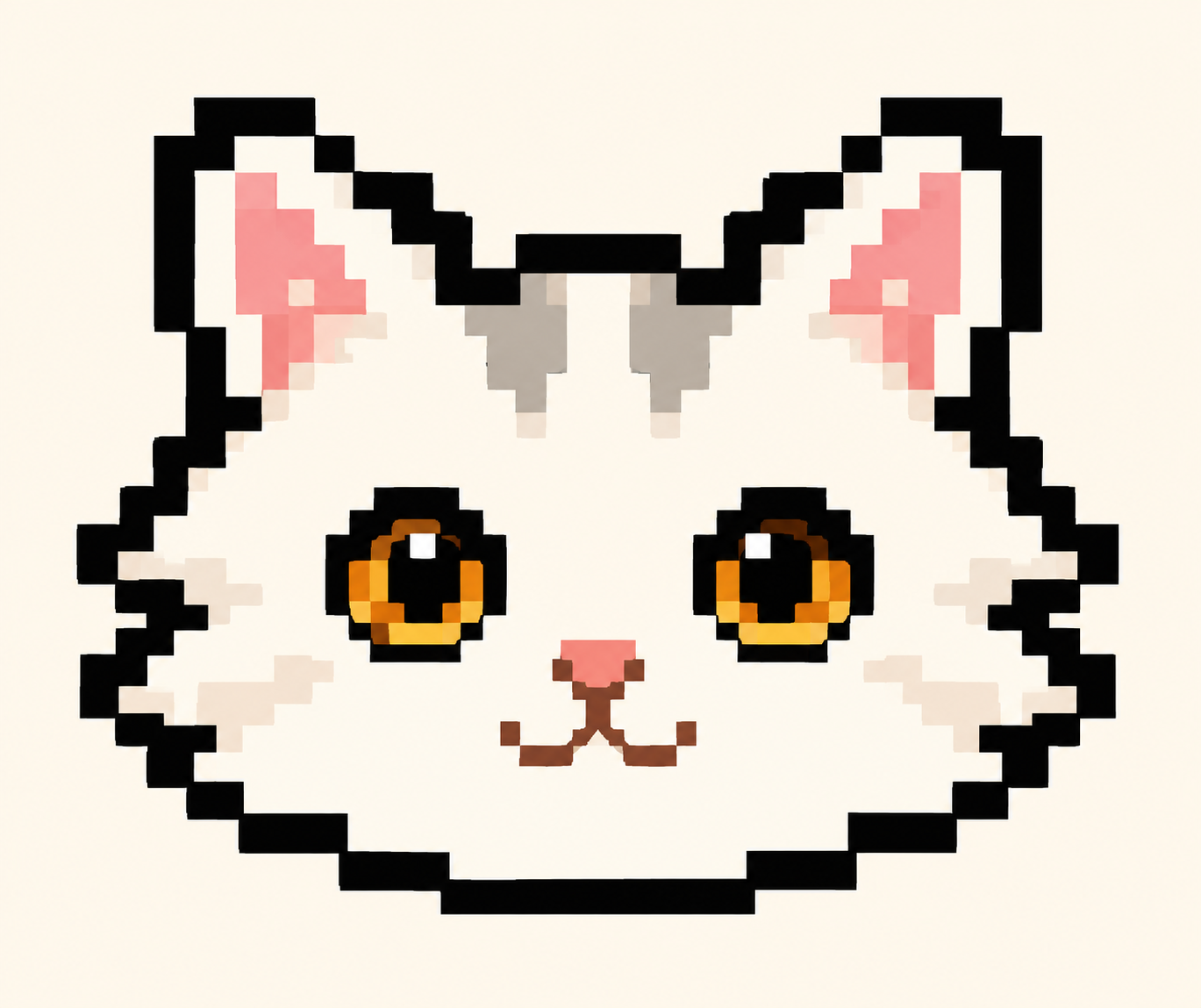

A cat on your Mac.
Company for your workday.

Today
Up to three sample tasks.
Focus
25:00
Illustrative demo · Sample tasks
Care for your pixel cat, keep track of tasks, and take breaks with a focus timer.
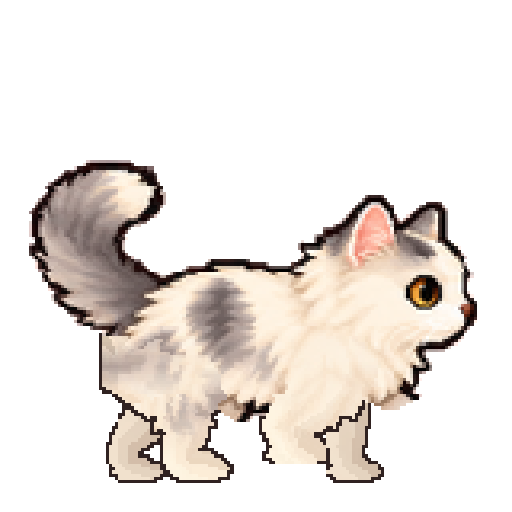
Your cat roams across the desktop and climbs the screen’s edges.
For Mac · In development
Choose your
desktop cat.
Choose from seven coats and give your cat a name. Try the coats below.

Fluffy white
Try a different coat belowDevelopment artwork. We’re still refining the animation.
Care for your cat
while you work.
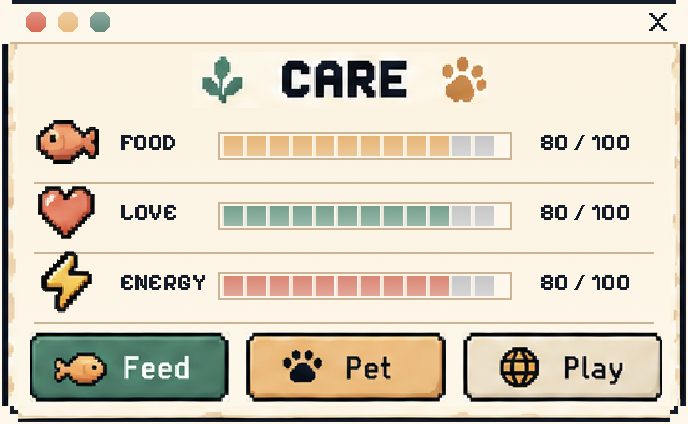
Give your cat some attention.
Open Care to check its needs. Feed it when it’s hungry or bring out the wool. Your cat can nap while you’re away; missing a day won’t hurt it.
Keep today’s tasks close.
Write a task on Today or save it for Tomorrow. Move it when plans change. You’ll still see unfinished tasks the next day.
Add tasks in the desktop demo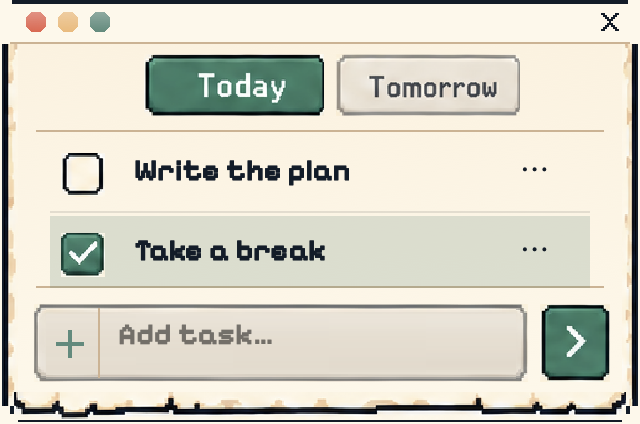
Start a focus session together.
Choose a task and start the timer. Your cat settles beside you while you work. Set the focus and break lengths to suit your day.
Start focus in the desktop demo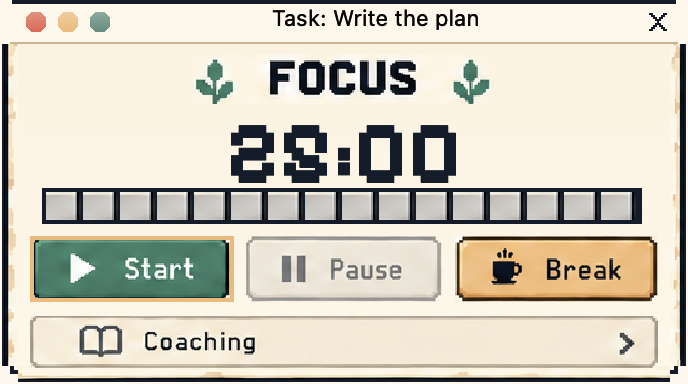
Pause when
you need space.
Set the pace and sound
to suit your work.
- Choose the pace
- Calm, Balanced or Active. Drag the cat to a new spot. Pause or quit from the menu bar.
- Keep the quiet
- Mute sounds or set quiet hours. Use Reduced Motion to cut movement. You can still use tasks while the cat is paused; pausing it also pauses the timer.
- Keep the core local
- Use care, tasks and focus on your Mac without a connection. You choose when to run online utilities. The planned purchase and first activation will need internet access.
Pay once.
Use it on two Macs.
We plan to sell Loaflet as a one-time download, without a subscription.
Planned for one person, on two Macs. Activate each Mac online once, then use the core app offline.
We haven’t set the price or release date.
We’ll confirm refund and reinstall terms before opening sales, along with the upgrade policy. You can’t purchase or activate it yet.
Questions about
Loaflet.
Does the cat move around my screen?
Yes. Your cat walks across the desktop and climbs the screen’s edges. It can jump down or stop for a rest. Drag it to another spot or choose Calm for less movement. Try the website demo above.
Will it get in the way while I work?
During focus, the cat settles down. You can choose Calm, pause movement, mute sounds or quit from the menu bar. Optional distraction coaching is off by default and is not needed for care, tasks or focus.
Does it need the internet?
Care, local tasks and focus work offline. The planned paid release will need internet once to activate each Mac. Checkout, email recovery and online utilities also need a connection.
Can I download it now?
Not yet. We’re still developing Loaflet. We’ll confirm Mac requirements and the price before opening downloads, with purchase terms available for you to read.
Who is the planned release for?
Mac users aged 18 and over. The initial purchase and licensed-use policy is for adults. We’re preparing for international sales; supported countries will be confirmed before checkout opens.